
 AU
AU USA
USA UK
UK ES
ES FR
FR BR
BR TH
TH IN
INSee Who's On Shift
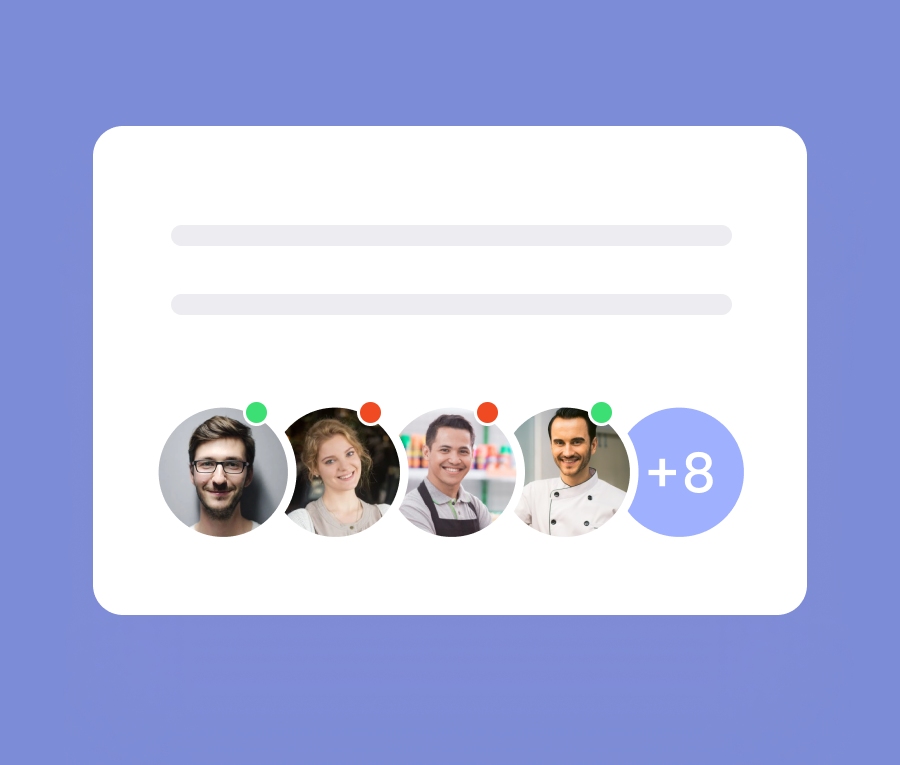
Optionally allow team members to see who is currently clocked-on, who they’re going to work with, and who will work after them. This provides much needed clarity and helps manage expectations.
See Who's Scheduled Next
Knowing who is on the following shift or is relieving you can make the world of difference. Easily find and message team members taking over your shift.

Have A Work Question? See Who's Clocked On
Seeing who is currently clocked on allows team members off the clock to direct work related questions where they might get the fastest answer while also minimising the impact to other colleges personal time.

FAQs For Scheduling Visibility
Does this mean anyone can see anyones shifts?
Can Team Admin change who has access?
Tools For Happy & Healthy Teams
Great organisations don’t force success. They foster a culture where success grows naturally. Actively seeking improvements to sustain and enhance their culture. Employee Apps provide new ways to innovate and engage in this area.





Get started
Try Tommy for 14 days no credit card required